The 9 Best AI Tools for Making Digital Products to Sell (Etsy, KDP and More)
When I listed my first printable recipe card, I made it the slow way: I typed it in a word processor, fiddled with fonts for an evening, took a blurry photo of my laptop screen for the listing and guessed at the tags. It sold anyway. But every product after that took me a full weekend, and with cupcake orders on top, I simply could not make enough of them to call it a side income.
AI tools changed that. Not because they do everything for you (they don't, and I will tell you where they fall short), but because they take the slowest parts off your plate: the writing, the layout, the listing images and the keyword guessing.
One thing has changed a lot this autumn, though: where you can sell what you make with AI. In October 2026 Etsy updated its rules, and AI-generated "functional guides" such as recipes, patterns and instructions are no longer allowed there (more on that below). So for every tool I also tell you where its products belong.
A quick note: TextBuilder, BookNova, PhotoGuru and ThinkAI Academy are made by people I work with, and links to them are partner links. That never changes what I write. You can read more on my disclosure page.
The short version
| # | Tool | Best for | Where to sell what it makes |
|---|---|---|---|
| 1 | TextBuilder | Finished e-books, guides and workbooks | Amazon KDP, Gumroad, Payhip, your own site, email freebies |
| 2 | BookNova | Fiction | Amazon KDP, Kobo, Apple Books |
| 3 | PhotoGuru | Mockups and promo images | Your listings and Pinterest pins |
| 4 | Canva | Page design | Etsy and anywhere else |
| 5 | ChatGPT | Ideas and short texts | Helper for every product |
| 6 | Ideogram | Art with words in it | Etsy (disclosed), your own shop |
| 7 | Placeit | Classic mockups | Your listing images |
| 8 | eRank | Etsy SEO | Etsy |
| 9 | ThinkAI Academy | Learning AI | The skills behind all of the above |
1. TextBuilder: the one that makes a whole product
Most AI tools help you with a piece of a product. TextBuilder is the one that hands you the finished file. You type in one topic, and it builds a complete non-fiction book: it suggests a title, plans the chapters, writes every chapter, adds diagrams and illustrations, designs a cover and formats every page with a title page, copyright page and table of contents. Then you download it as a PDF, an EPUB, a Word file or a print-ready Amazon KDP paperback.
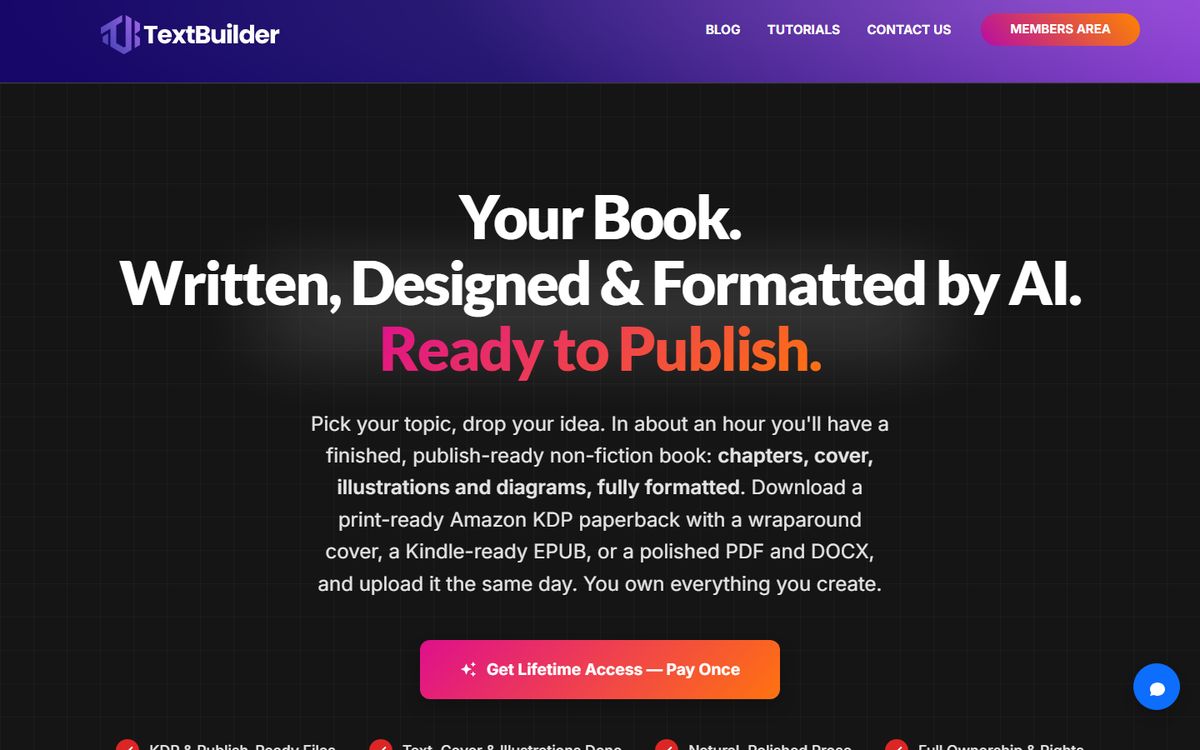
The first book I made with it was a small-batch baking guide, and it took me an afternoon instead of the three weekends my first hand-made e-book took. I wrote the whole process up in how I made a recipe e-book with AI.
What I like
- 12 book formats, including Beginner's Guide, Step-by-Step How-To, Workbook, Checklist & Cheat Sheet Book and Study Guide / Mini Course.
- Short or long. It goes from a 5-page freebie (great as a gift for your email list) to a 200+ page book.
- Cover and illustrations are included, so I don't have to open a design tool just to make the product look finished.
- 50+ languages. You can publish the same guide in German or Spanish, which very few home sellers do.
- You own what you make, with the rights to sell it.
Where to sell TextBuilder books
This is important. Since October 2026, Etsy no longer allows AI-generated functional guides, such as recipes, patterns and instructions (see Etsy's announcement). A how-to e-book written with AI falls into that group, so I don't sell those on Etsy. They have better homes anyway:
- Amazon KDP for the Kindle e-book and the paperback. Amazon allows AI-generated content, but you must tick the AI box when you publish (see the KDP content guidelines).
- Gumroad or Payhip for the PDF, linked from your blog, Pinterest and Instagram.
- Your own email list: a short guide makes a lovely free gift that brings in subscribers.
What to keep in mind
- Read every page before you publish. The writing is good, but your own tips and stories are what make readers come back.
- For recipes, crafts or anything practical, test it yourself.
- It is made for books and guides. For a calendar grid or a habit tracker page, use Canva (number 4).
I also wrote a longer TextBuilder review, and if you are wondering whether ChatGPT can do the same job, I tested both in TextBuilder vs ChatGPT for e-books.
2. BookNova: when the product is a story
TextBuilder is for non-fiction. If your idea is a story, there is a sister tool for that: BookNova, an AI novel writer. You give it your premise and characters, and it builds the plot, writes the chapters and makes a cover. I used it to finally draft the seaside romance I had been carrying around for three years; you can read about it in my BookNova review.
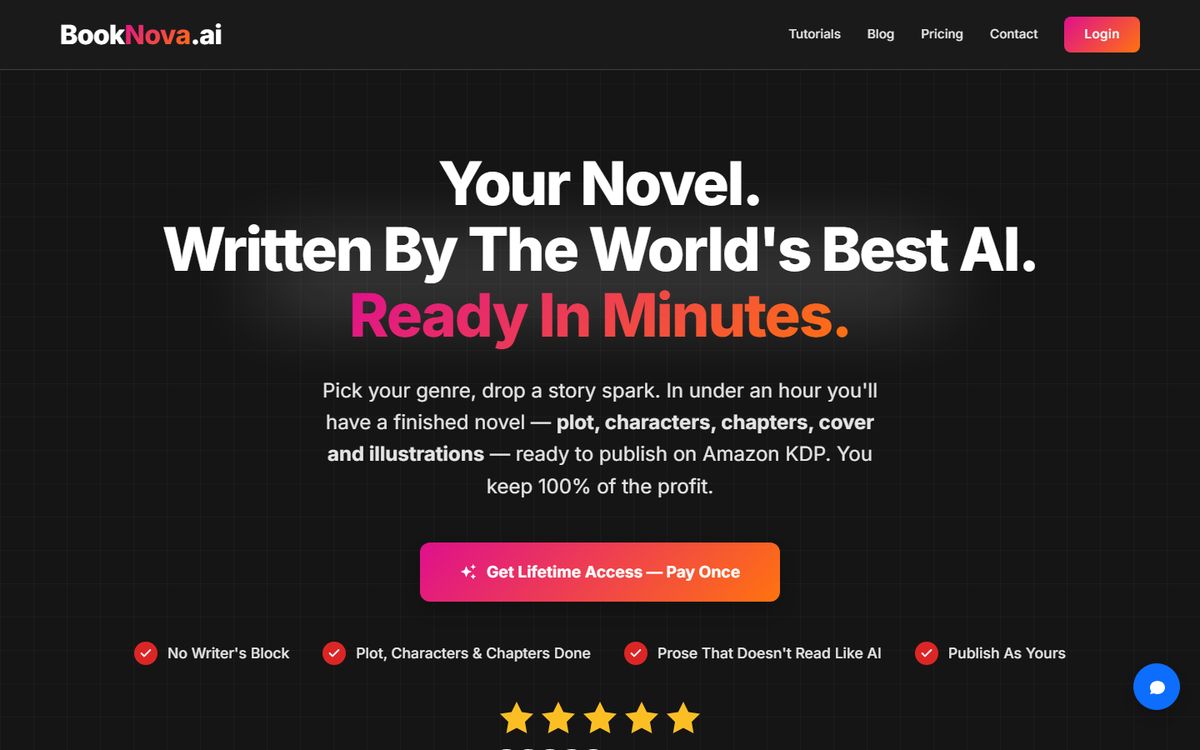
Where to sell: novels belong on Amazon KDP, Kobo and Apple Books, where readers look for them. The same KDP AI disclosure applies.
3. PhotoGuru: mockups and promo images
A PDF on its own is not very photogenic, so you need a mockup: your guide on a tablet on a cosy desk, your planner pages fanned out by a vase of tulips. PhotoGuru is a library of ready-made image prompts for ChatGPT. Instead of guessing how to describe "soft morning light, flat lay, pastel props" so the AI understands, you copy a prompt that already works and swap in your product. It is a one-time purchase. My PhotoGuru review has before and after pictures.
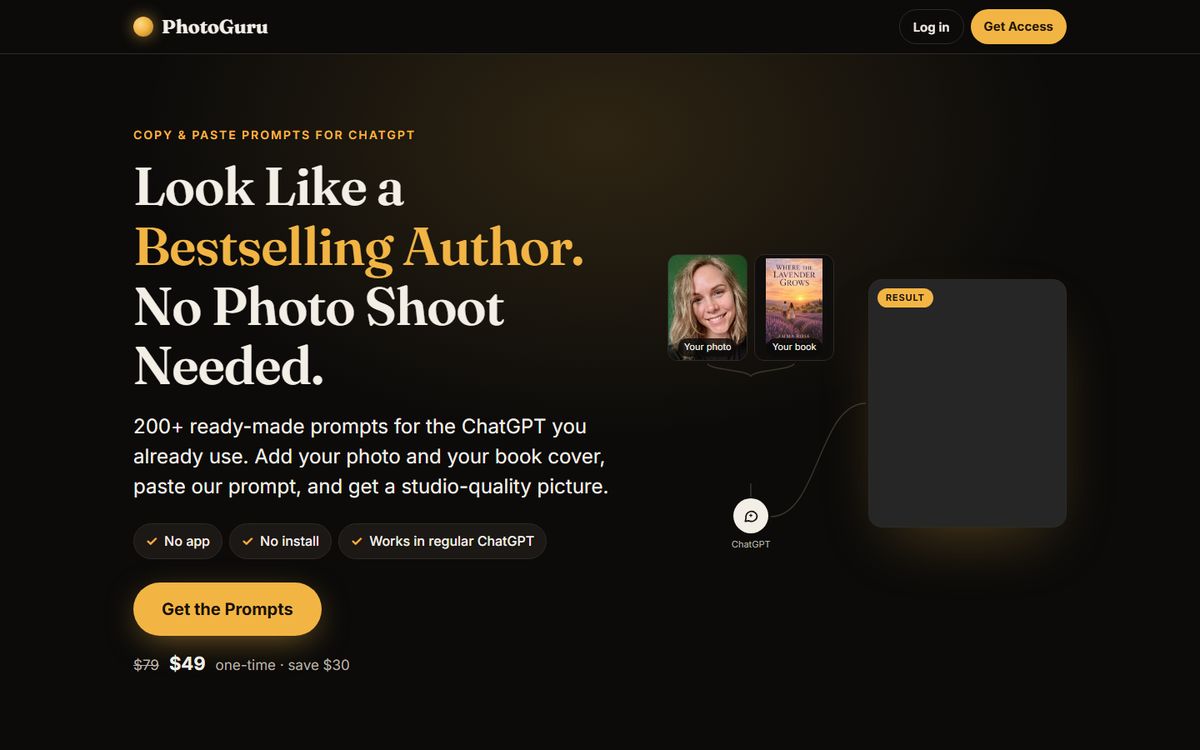
Heads-up for Etsy: Etsy now asks for at least one unedited photo of the actual item on most listings, with some exceptions for digital items. AI mockups are fine as extra images and on Pinterest, but check Etsy's current image rules before you rely on them for a listing.
4. Canva: for anything that is mostly layout
Canva is where I design anything that is more grid than text: weekly planners, meal planning sheets, habit trackers, party printables, gift tags and wall art. Its AI features can draft a layout or a few lines of text, but the real strength is the huge library of fonts, elements and templates, plus easy PDF export.
Editable Canva templates are also a product on their own (invitations, social media posts, price lists). Canva has clear rules about what you can sell, for example that templates with Pro content can only be sold as template links, so read Canva's guide to creating products for sale first.
Where to sell: Etsy is a great fit for planners, printables and templates you design yourself.
5. ChatGPT: the brainstorming friend
ChatGPT is great for the small jobs around a product: brainstorming 30 product ideas in your niche, a first draft of a description, turning a messy list into a tidy checklist, or suggesting names for a bundle. I use it almost every day.
Where it struggles is a long, finished product. Ask it for a 60-page e-book and you get a lot of copy-and-paste work, chapters that repeat each other, and no cover or layout. That is exactly the gap TextBuilder fills.
6. Ideogram: when the art needs words
Quote prints, nursery art with a baby's name, "Kitchen Rules" signs: lots of popular printables are mostly lettering. Many image tools still scramble letters, but Ideogram is known for getting text inside images right. I use it for quote art and decorative cover backgrounds.
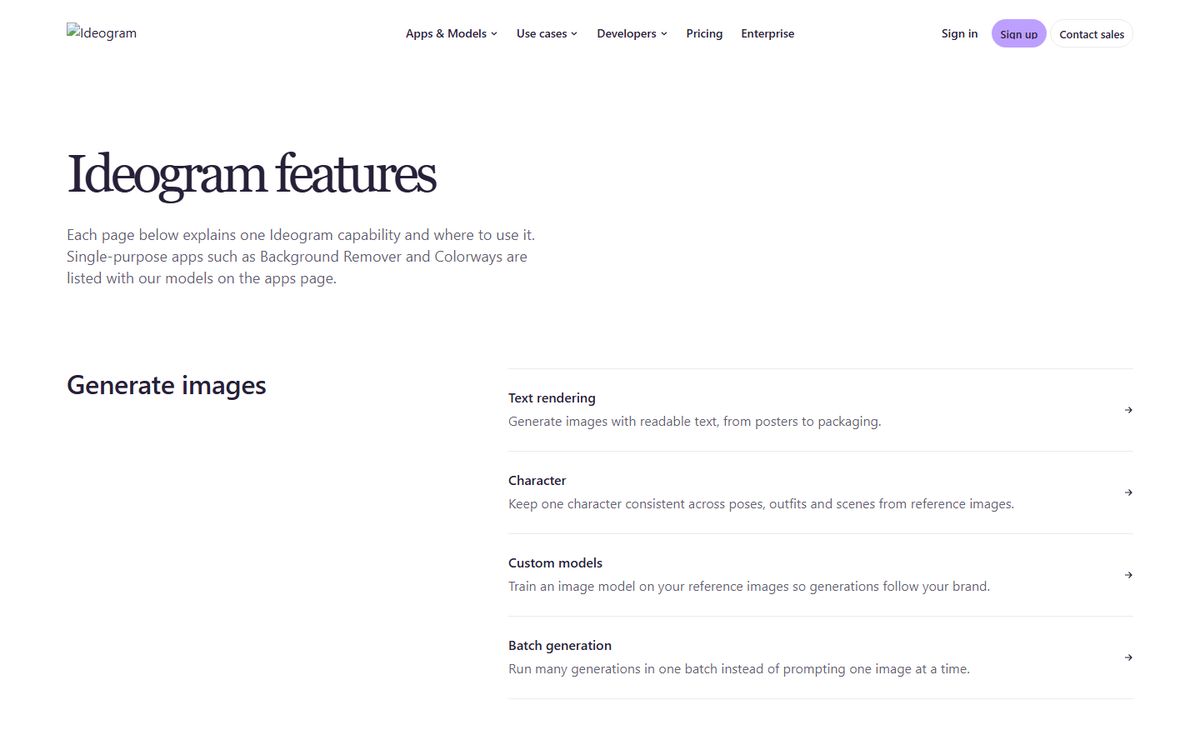
Where to sell: Etsy still allows AI art when you give real creative direction and disclose that AI was used.
7. Placeit: classic mockups in a few clicks
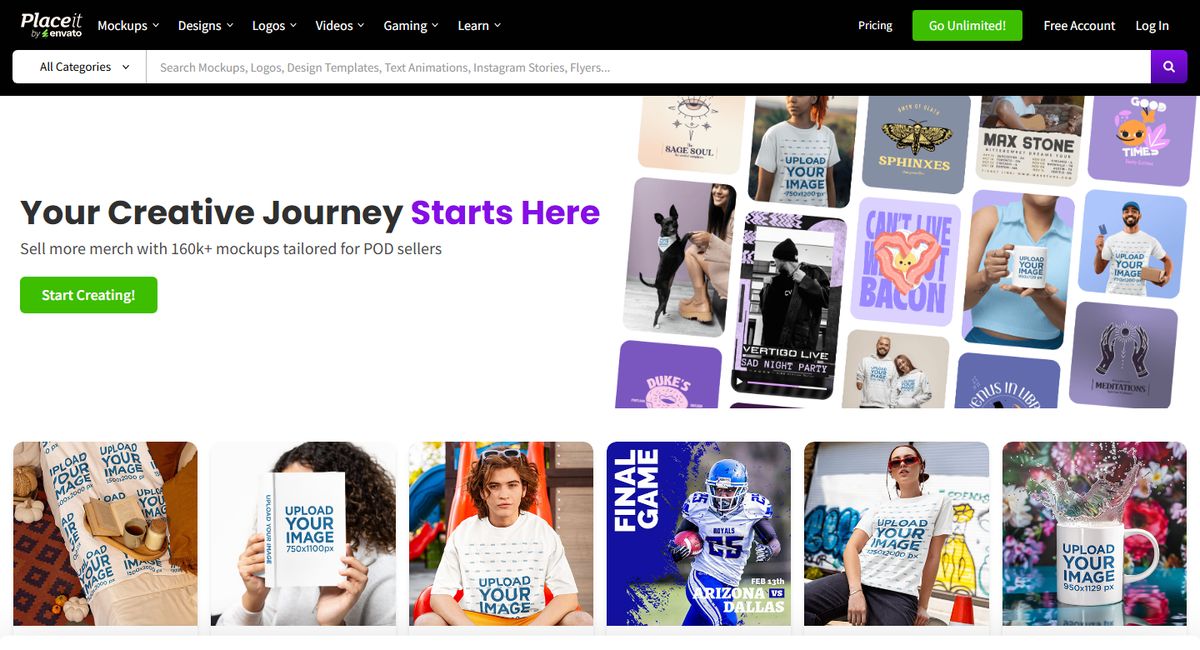
If you prefer a template to a prompt, Placeit has thousands of ready mockup scenes (frames on a wall, an iPad on a bed, a phone in a hand) where you just upload your design. It is quick and reliable for "here is what you get" images.
8. eRank: so buyers can actually find you
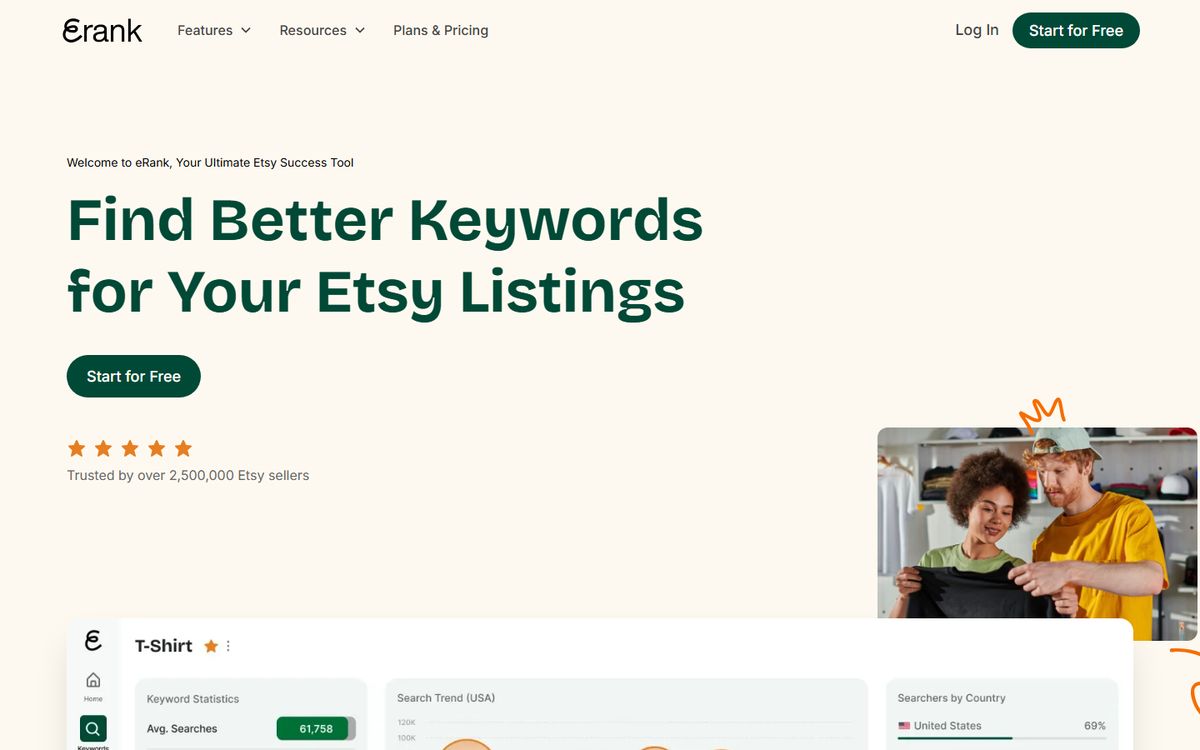
A beautiful product nobody finds will not sell. eRank is an Etsy SEO tool that shows what people actually type into Etsy search, how much competition each keyword has, and how your titles and tags compare. The free plan is enough to start.
9. ThinkAI Academy: learn it once, use it everywhere
If all of this feels like a lot, start with the basics. ThinkAI Academy teaches you how to use AI for a small business, step by step. I took their ChatGPT course and wrote about how I learned ChatGPT in 5 days. It made every other tool here easier, because I finally understood how to ask for what I wanted.
The rules, platform by platform
AI rules change fast, so here is where things stand as I write this (November 2026). Always check the source before you publish.
- Etsy: AI-generated functional guides (recipes, patterns, instructions) are not allowed; bot-generated listings are not allowed; most listings need at least one unedited photo of the actual item; AI art and designs are allowed when you give real creative direction and say that AI was used. Sources: Etsy's Nov 6 update and Retail Dive's summary.
- Amazon KDP: AI-generated text, images and translations are allowed but must be disclosed when you publish. Source: KDP content guidelines.
- Gumroad, Payhip and your own site: fewer rules, but the same honesty applies. Tell buyers how the product was made.
My simple workflow for a new product
- Pick the product and the place: a planner or wall art for Etsy, a guide or e-book for KDP, Gumroad or Payhip. My list of digital products you can make with AI shows which goes where.
- Make it: TextBuilder for guides, e-books and workbooks; Canva for planners and printables.
- Make it mine: I read everything, add my own tips and test anything practical.
- Make the images: a PhotoGuru prompt or Placeit for mockups, plus real photos where the platform asks for them.
- Write the listing: ChatGPT drafts, I rewrite; eRank checks Etsy titles and tags.
- Pin it: three or four Pinterest pins that link to the product.
Where to start
If you only try one tool from this list, make it TextBuilder. A finished guide or workbook sells for more than a single printable, and it is the one that saves the most hours. Publish it on KDP and Payhip, use Canva for pretty Etsy printables, and you have a complete little product kitchen.
Make one product this week. Then make another. That is honestly the whole secret.