The Best AI Tools for Making Printable Workbooks, Planners and Checklists
Workbooks, planners and checklists are some of the most loved digital downloads there are. People buy them in January to get organised, in August for back to school, before a wedding, a move, a new baby or a new budget. They are also some of the easiest products to make with AI, as long as you use the right tool for the right part and sell each one in the right place.
Here is the thing nobody told me when I started: there are really two kinds of printables.
- "Words" printables, where the value is in the content: a guided workbook, a wedding planning checklist book, a meal prep guide with worksheets, a self-care journal with prompts. Buyers pay for the thinking someone did for them.
- "Grid" printables, where the value is in the layout: a monthly calendar, a habit tracker, a weekly meal planner page. Buyers pay for a pretty, usable page.
The best AI tools for each are different, and since Etsy's October 2026 rule change, so is the best place to sell them. Here is what I use, starting with the tool that does the most work.
TextBuilder and PhotoGuru are made by people I work with, and links to them are partner links. More on my disclosure page.
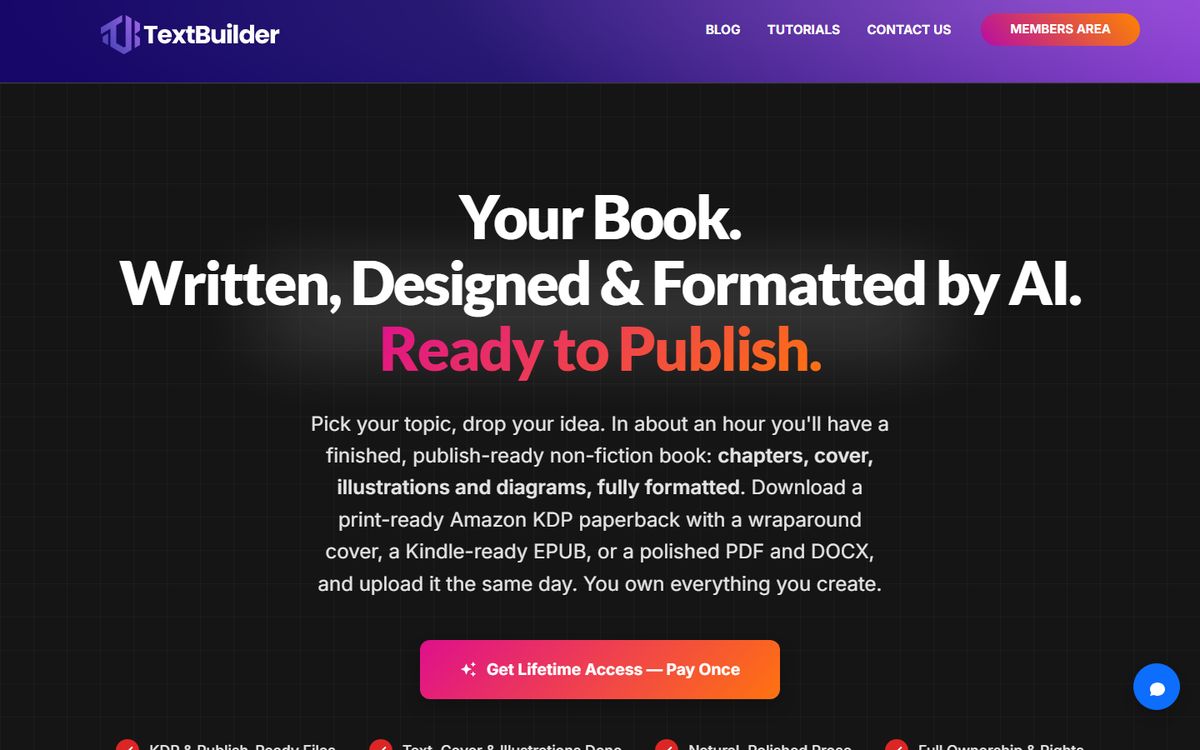
1. TextBuilder: best for workbooks, guided journals and checklist books
If your product has more than a few pages of real content, TextBuilder is where I start. It has a Workbook format and a Checklist & Cheat Sheet Book format. You enter one topic and it builds the whole thing: a title, the sections, explanations, exercises and action steps, illustrations, a cover and a formatted PDF, ready to download.
Some workbooks I have made or planned with it:
- The Calm Kitchen Meal Planning Workbook: a short guide to planning a week of meals plus worksheets.
- A Gentle New Year Reset: reflection prompts and goal pages for January.
- Wedding Planning Checklist: 12 months to the big day, one checklist per month.
Two things I love: it writes in more than 50 languages, so you can sell the same workbook in Spanish or French, and it makes anything from a 5-page freebie to a long, deep workbook. I use the short ones as free gifts to grow my email list and the long ones as paid products.
Where to sell: a workbook that teaches people how to do something counts as "instructions", and Etsy no longer allows AI-generated instructions (Etsy's announcement). So I sell these as PDFs on Payhip or Gumroad, and as paperbacks on Amazon KDP, where workbooks and journals do very well. KDP asks you to disclose AI-generated content when you publish (KDP content guidelines).
My tip: download the Word (DOCX) version too. If you want more writing lines or a bonus page, add them before saving the final PDF.
2. Canva: best for planner pages and trackers
For "grid" printables, Canva is still my favourite. Calendars, weekly planners, budget trackers and habit trackers need tables, lines and boxes, and Canva makes that drag-and-drop easy. I mostly use its templates and elements and then make the design my own with my colours and fonts. Check Canva's rules for products you sell before you list anything.
Canva is also how most sellers make digital planners for GoodNotes and other note-taking apps: you design the pages, add clickable tabs that link between pages and export a PDF. It takes patience the first time, but a digital planner can sell for years.
Where to sell: planners and trackers you design yourself are a perfect fit for Etsy.
A good combo: I make the content of a workbook in TextBuilder and design two or three pretty tracker pages in Canva to add at the end. Buyers get a full guide and pages they can use every day.
3. PhotoGuru: best for mockups
Planner and workbook listings live or die by their images: a planner open on a desk with a coffee, a workbook on a tablet, pages fanned out. PhotoGuru gives you ready ChatGPT image prompts for exactly these scenes, so you don't have to learn "prompt language". I wrote about it in my PhotoGuru review. On Etsy, also check the new image rules: most listings now need at least one unedited photo of the real item, with some exceptions for digital files.
4. ChatGPT: best for prompts, lists and one-pagers
For a single page, ChatGPT is often enough. I use it to:
- write 50 journal prompts for a theme (gratitude, new moms, teachers);
- turn a topic into a tidy one-page checklist (packing list, cleaning schedule, party prep);
- brainstorm planner sections for a niche, like a "dog mom planner" or a "small bakery planner".
Then I edit the text and paste it into Canva. For anything longer than a few pages I switch to TextBuilder, because asking ChatGPT for a long workbook means a lot of copying, pasting and formatting by hand (I tested this in TextBuilder vs ChatGPT).
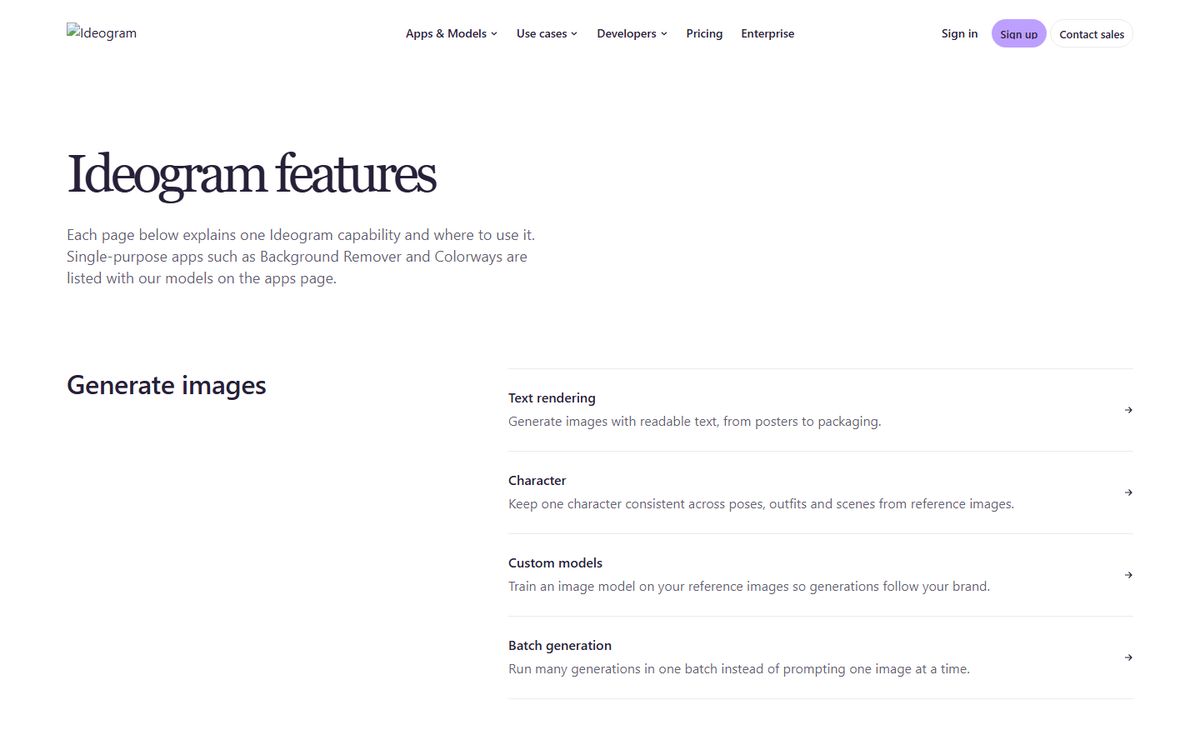
5. Ideogram: best for covers and decorative art
A planner cover with a floral frame, a watercolour title page, a quote for the first page: Ideogram is good at images that include lettering, so I use it for covers and dividers. Always check the letters closely.
6. eRank: best for choosing what to make
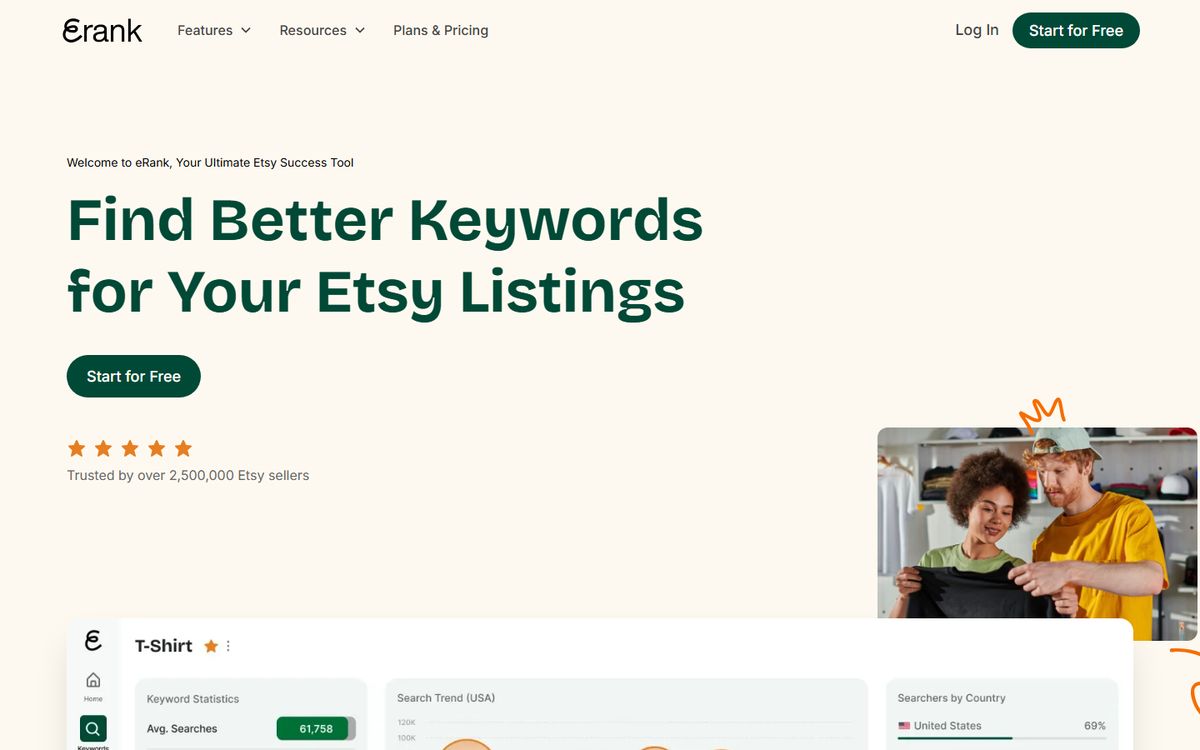
Before I make a planner for Etsy, I check the idea in eRank. "Budget planner" has huge competition. "Budget planner for couples" or "cleaning planner for ADHD" has much less, and buyers searching for it know exactly what they want. Narrow niches are where small shops win.
Which tool for which product, and where to sell it
| Product | Make it with | Sell it on |
|---|---|---|
| Guided workbook | TextBuilder (Workbook) | KDP paperback, Payhip, Gumroad |
| Checklist book | TextBuilder (Checklist & Cheat Sheet Book) | KDP, Payhip, email freebie |
| Mini course / study guide | TextBuilder (Study Guide / Mini Course) | Gumroad, Payhip, your own site |
| Journal with prompts | ChatGPT for prompts, Canva for pages | Etsy (disclose AI), KDP |
| Weekly or monthly planner | Canva | Etsy |
| Digital planner (GoodNotes) | Canva with linked tabs | Etsy |
| One-page checklist | ChatGPT + Canva | Etsy bundle or email freebie |
Before you publish
- Print one copy. Check that the margins don't get cut off and that writing lines are big enough for real handwriting.
- Offer A4 and US Letter. Half your buyers may be outside the US.
- Say that AI helped. Etsy and KDP both ask for it, and buyers appreciate it.
- Bundle. A workbook plus matching planner pages sells for more than either alone.
If you are just starting, make one workbook in TextBuilder on a topic you know well and publish it on KDP and Payhip, then design two Canva planner pages for Etsy. For more ideas, see my full list of the best AI tools for making digital products.